Skilled worker applicants preparing an Express Entry profile or an Invitation to Apply package who want to know exactly which documents apply to them.
Cómo funciona
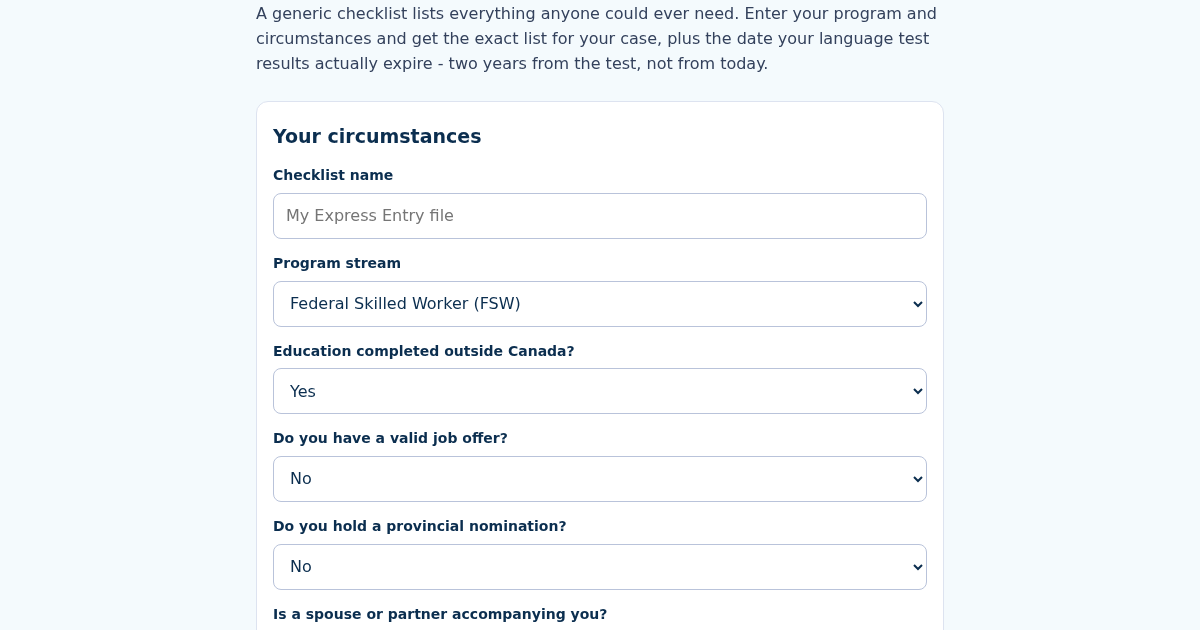
- Name this checklist, e.g. "My Express Entry file".
- Choose your program stream and answer the circumstance questions.
- Enter the date of your language test.
- Get your tailored document list with reasons, and the exact date your test results expire.
Qué obtienes
- Generates the exact Express Entry document list for your circumstances - program stream, foreign education, job offer, provincial nomination, spouse, dependent children - not a generic one-size-fits-all list
- Language test validity calculator: enter the test date, get the exact expiry date (test date plus 2 years) - scores must still be valid on the day you submit the FINAL application, not just when you enter the pool
- Every optional document states WHY it does or does not apply to your case
- Checklists saved by name: recalculating updates the same checklist, not a duplicate
Captura de pantalla
Detalles técnicos
Como configurar y usar
- Compra la licencia — tu clave (lic_...) aparece en la pagina del pedido y en tu correo.
- Inicia sesion en app.synoriaai.com con tu clave de licencia.
- Sin instalacion — el producto funciona en el navegador, en tu instancia aislada.
- 1. Open the PNCheck page and enter a name for your checklist (e.g., 'My Express Entry file').
- 2. Select your program stream (e.g., FSW), and answer whether you have foreign education, a job offer, a provincial nomination, a spouse, and how many dependent children you have.
- 3. Enter the date you took your language test (e.g., 2025-03-15).
- 4. Click the 'Calculate' button to generate your personalized document list and see the language test expiry date (test date plus 2 years).
- 5. Review the checklist — each optional document explains why it does or does not apply to your case. Save it by name; recalculating updates the same checklist.
Preguntas frecuentes
Does PNCheck store my personal information or test results?
No. PNCheck runs entirely in your browser — your inputs (program, family details, test date) are not sent to or stored on any server. The checklist is generated locally, and saved checklists exist only on your device.
What exactly does the language test expiry date mean for my application?
The expiry date is your test date plus 2 years. Your language scores must still be valid on the day you submit your final application — not just when you enter the Express Entry pool. PNCheck calculates this date for you so you can plan accordingly.
Does PNCheck verify that my documents meet IRCC requirements?
No. PNCheck generates a list of documents based on the circumstances you select, but it does not check the content, validity, or formatting of your actual documents. Always confirm final requirements with official IRCC sources.
Productos relacionados
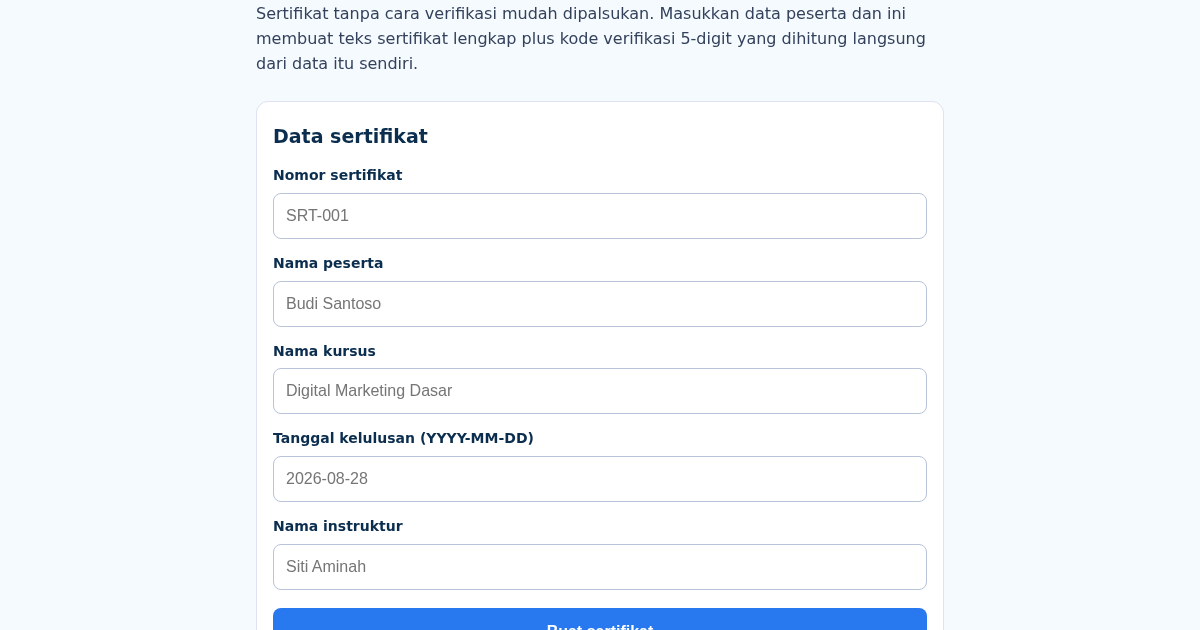
SertifikatKu: Auto-Generate Course Completion Certificates
Membuat sertifikat satu per satu secara manual itu lambat, dan sertifikat tanpa cara verifikasi mudah dipalsukan. Masukkan nama peserta, nama kursus, tanggal, dan instruktur, dan ini membuat teks sertifikat lengkap plus…
SertifikatKu: Auto-Generate Course Completion Certificates
Membuat sertifikat satu per satu secara manual itu lambat, dan sertifikat tanpa cara verifikasi mudah dipalsukan. Masukkan nama peserta, nama kursus, tanggal, dan instruktur, dan ini membuat teks sertifikat lengkap plus…
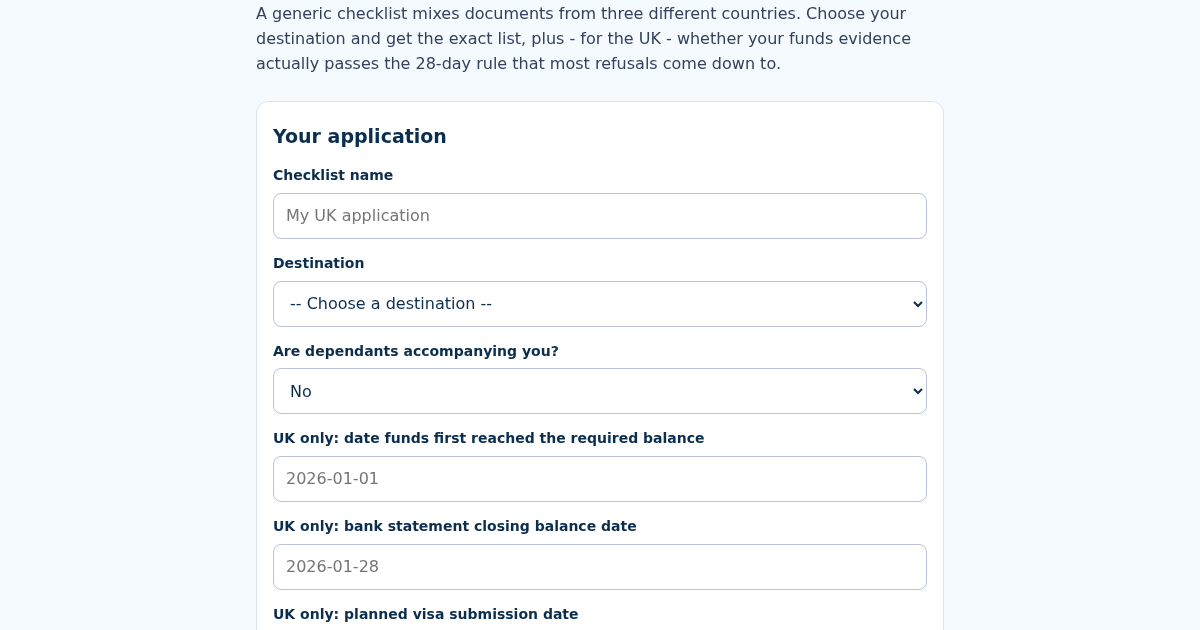
INVisaCheck: Indian Student Visa Document Checklist Generator
A generic student visa checklist mixes documents from three different countries with three different rules. Choose your destination - the US, UK or Canada - and get the exact document list for that country's process,…
INVisaCheck: Indian Student Visa Document Checklist Generator
A generic student visa checklist mixes documents from three different countries with three different rules. Choose your destination - the US, UK or Canada - and get the exact document list for that country's process,…